What “Sites” is and where to start
Updated 09.11.2026 3 min read
“Sites” is the website builder in Gallera. With it you can put together a portfolio website with your work, services and prices, reviews, and an inquiry form. A site is built from ready-made blocks, and the easiest way to start is with a template: replace its texts and photos with your own.
What you can do
- Add as many pages as you need: a home page, a portfolio by genre, prices, “About me”, contacts.
- Build each page from blocks: banners, galleries, video, text, testimonials, pricing, FAQ, an availability calendar, an inquiry form — over 20 kinds in total. The “Gallery from Gallera” block shows photos from your client galleries without uploading them again.
- Fine-tune how the site looks on phones separately from computers.
- Receive messages from the contact form in your account, by email and in Telegram.
- Fill in SEO: titles and descriptions for Google, an image for link previews.
- Translate the site into other languages.
- Connect your own domain, such as
olenaphoto.com.
Every builder feature is included in every plan — plans differ only in the number of sites. Learn more in Trial and site plans.
Where things are set up
You work with your site in three places.
Your Gallera account, the “Websites” section. This is where your sites and their settings live: name, address and domain, pages, SEO, form messages, and the design template. Open the section from the sidebar.
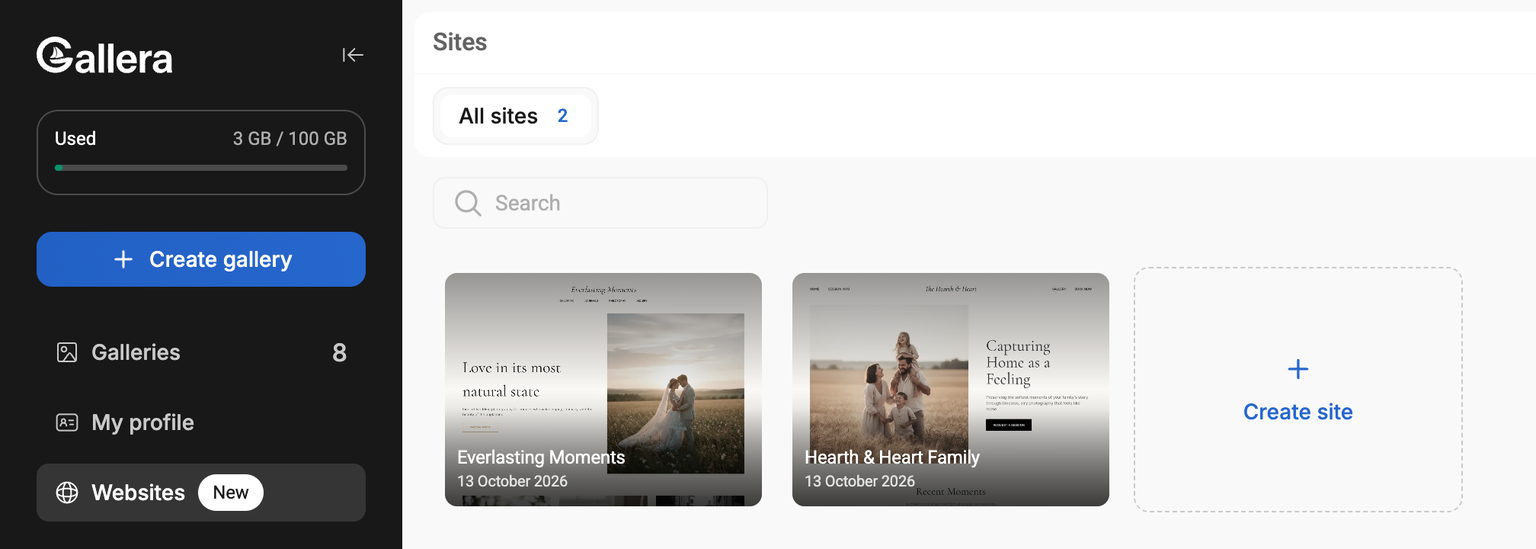
Click a site card to open its settings. Hover over a card and click “⋮” for quick actions: “Open in editor”, “Preview”, “Settings” and “Delete”.
A deleted site no longer opens for visitors and moves to the “Deleted” tab. Within 30 days you can bring it back with “Restore” if your plan has a free slot. The “Delete” button on that tab deletes the site permanently — with its pages, photos and messages — and its address becomes available to others.
The editor. This is where you change page content: texts, photos, blocks, and the site theme. The editor opens from your account with the “Open in editor” button and works on computers only.
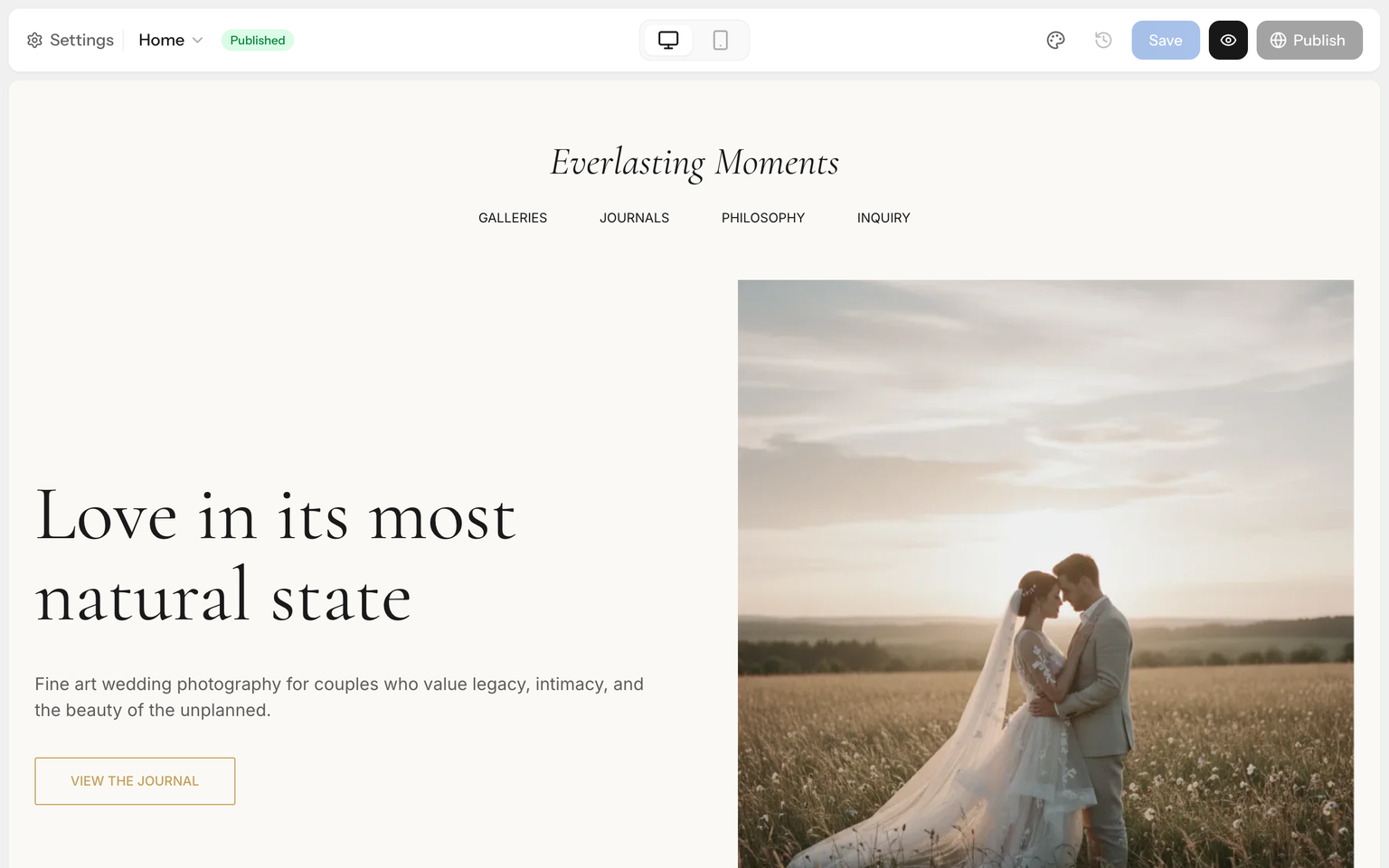
The site itself. This is what your clients see. The site is available right away at its platform address — name.gallera.me — and later you can connect your own domain to it.
Where to start
- Create your first site from a template and publish it.
- Learn how the editor works and how to save and publish changes.
- Add the pages you need and menu items.
- Set up the site theme — colors and fonts.
- Check the mobile version.
- Connect a custom domain.
The builder doesn't have a blog, online payments or password-protected pages yet. If you're missing a feature, write to us — it helps us decide what to build first.